
See the Cinematic Difference
The Cinematic Colours
Why Use Elysium presets

Create cinematic visuals anywhere, anytime.
Whether you’re editing street portraits, travel scenes, or moody storytelling shots the ELYSIUM pack adapts to your vision. Each preset was designed to deliver balanced tones, rich depth, and cohesive cinematic atmosphere across all photo styles.
Includes:
🎥 Real-time editing examples in the User Guide
📘 Lifetime updates and creator support
📱 Optimized for both Lightroom Mobile & Desktop
| Pack Name | ELYSIUM Cinematic Lightroom Presets |
|---|---|
| Preset Count | 6 unique looks (Euphoria, Empyrian, Afterlife, Zion, Fantasy, Eternity) |
| File Formats | XMP & DNG |
| Compatibility | Lightroom Classic, CC, Mobile & Photoshop Camera Raw |
| Versions Included | Beginner + Advanced |
| Installation | Step-by-step PDF User Guide |
| Delivery | Instant digital download |
| License | Lifetime personal use |
| Extra | Bonus Editing Tools (Radial & Linear Masks, Skin Tone, Sky Enhancements) |
Trusted by
6,000+ Photographers
to get Cinematic Pictures
"Amazing presets & great support"
Thank you so much Patrik ... I really appreciate your prompt support here. I have been fan of your work, your presets are really amazing. Good to be part of your community. Please keep up the good work going on !!

Mangesh Dhuri

"My go-to presets"
I mean it! I’ve actually been using your presets for a few months now and they’ve turned into my go-to. Genuinely my favourite!

Nat (n80photo)

"Second pack, loving the variety"
I’m now on my second pack, just one more to go. Love the variety I’m producing now already. It’s helping me to take my post processing to a new level.

Stewart Campbell


"Delighted!"
I am delighted with the purchase and the presets have made a big difference to my photographs. Absolutely helps me get the most from my Lightroom.

Graham B.

"Love it"
Thanks again for your presets 🙏 love it ❤️

Sascha Erbach

"Expands my creative palette"
Buying Elysium wasn’t just gear-FOMO. They expand my palette and give me a very solid base. Perfect for my “story of the shot” series – they make each frame feel like a scene, not just a frozen action. One more time thank you for the video showing how you deal with my photos.

Mats Soomre
"Preset Elysium Cinematic"
Easy to use, really good preset, Nice collorgrading

Y.M.W.
"I like them"
I like em. Good base present to increase workflow speed.

Nick S.
"Great presets, worth it"
I had no problems while purchasing and loading the presets. They work very well. Only the price was a bit high for my country, but I bought it anyway because I liked it so much. Your photos are also very beautiful, I follow with admiration.

Tolga Baş
See The Cinematic Results


FAQ
Everything You Want to Know

Not made in an afternoon. Built on hundreds of real shots.
Most preset packs are built fast and look good on one photo.
Elysium was different ... every look was tested across hundreds of real images, in real lighting conditions, until it worked consistently.
The result is a cinematic tone that holds up whether you're shooting golden hour in the city or low-light portraits at night.
Film-inspired depth, without the trial and error.

See the Cinematic Difference
Customer Reviews
I’ve been editing with this preset pack for a while now and it’s honestly one of the best I’ve tried. Easy to use, colours are amazing and the results never disappoint. Highly recommended 😉
Hey Pat, this is Ben from Instagram. I really love the tones you've got there.
If I were to think of a downside (I thought for 5 mins), I would say the white balance, but that's not really an issue as you can adjust it properly if you shoot in RAW.
I like to document my everyday experiences - from my commute and school programs to my personal trips.
Existing presets work well for autumn, producing a signature strong green tint. Moving forward, I would like to see their ability to create a cinematic summer colour palette. Crucially, they should be adjusted to preserve natural skin tones across all shots, ensuring they never appear too orange, particularly in standard portraits and close-up images intended for linkedin for facebook.

This is my go to preset pack, the one I use most at the moment. It’s fantastic, easy to use and gives fantastic results.
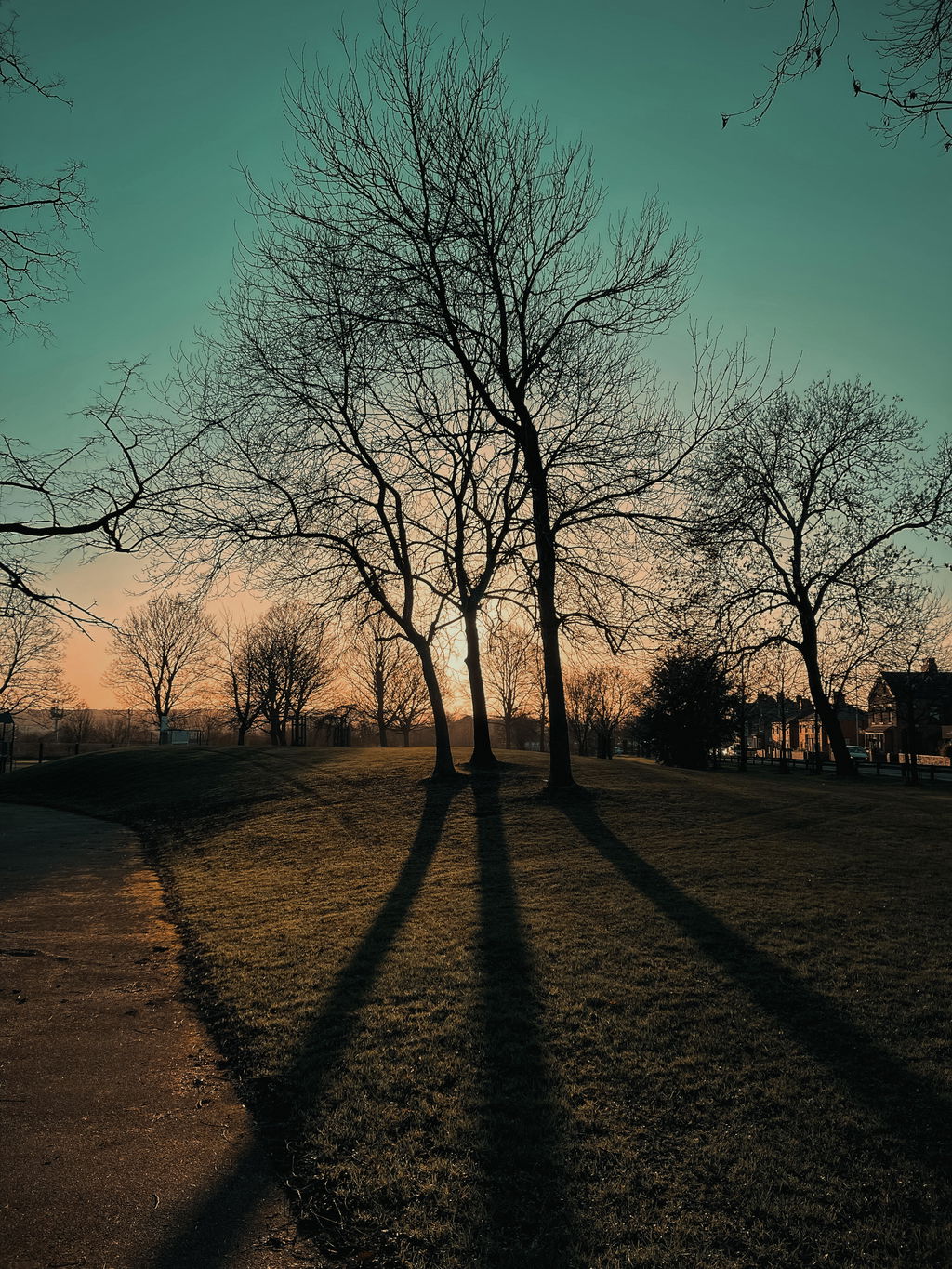
What a great little preset pack. So easy to use, one click and your image is transformed in to a pleasing cinematic image. I sometimes just give it a personal tweak exposure or contrast but most of the time the preset is enough. Fantastic product.
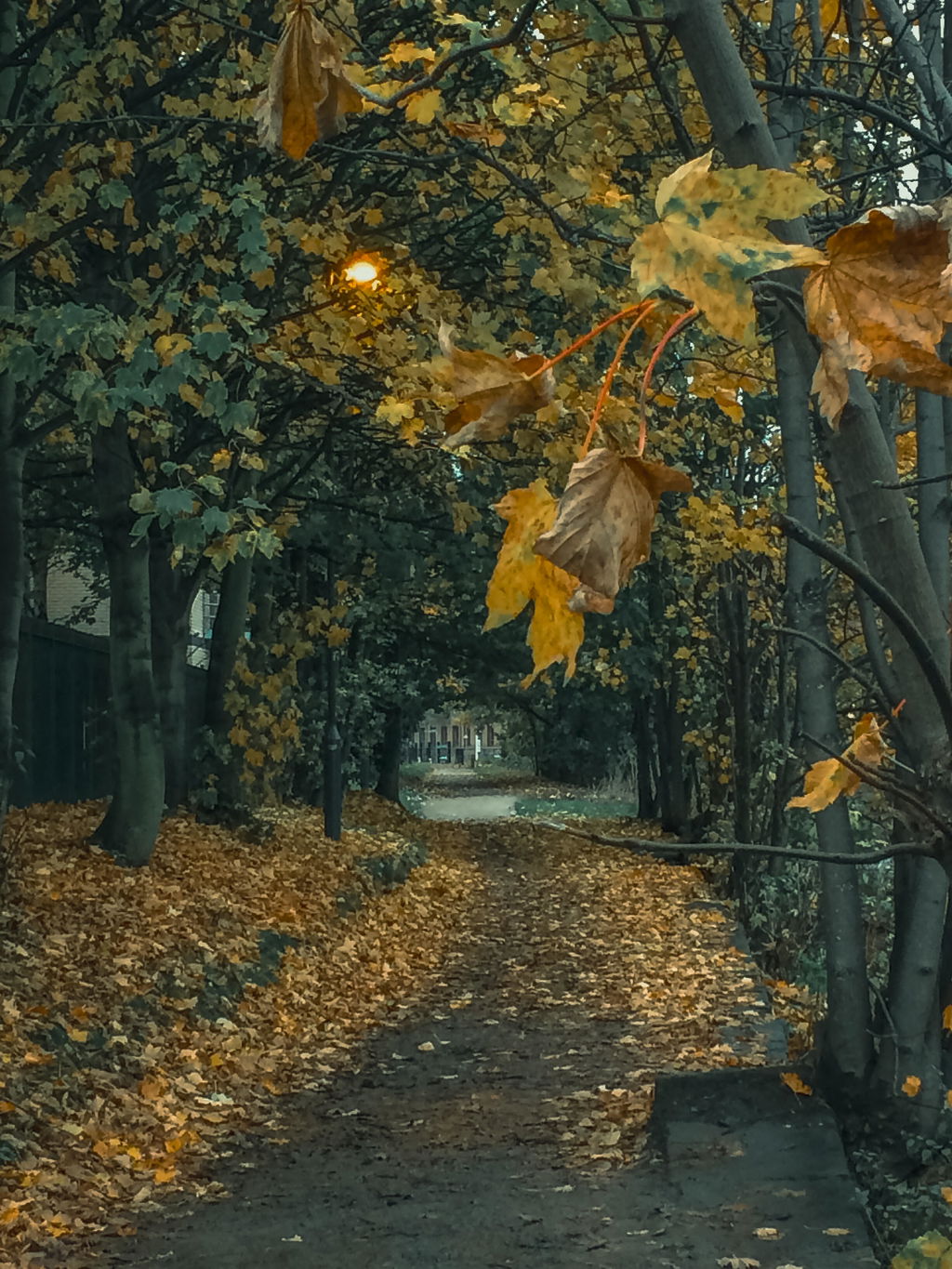

Cinematic Depth for Every Shot
Whether you're shooting city streets at dusk or moody portraits in low light, Elysium gives your images the atmospheric depth of a film still. Rich shadows, controlled highlights, and a consistent cinematic feel, across every scene you shoot.
One Click. Film-Grade Results.
No complex adjustments, no hours of tweaking. Elysium's beginner and advanced versions give you full control or instant results, whichever you need. The bonus masking tools handle the fine details so you can focus on the shot.
